The short version
I looked closely at how the Eufy HomeBase camera hub handles your data. A few things it does are weaker than they should be. None of this means someone is in your cameras right now — but it does mean the security of your cameras leans almost entirely on one thing: your Eufy account. If someone gets into that account, they get a lot more than they should.
What's actually wrong
- Your home Wi-Fi password is kept where it can be read back. When you set up a camera, the hub needs your Wi-Fi password — that's normal. The problem is that Eufy's cloud keeps a readable copy and hands it back to the app every time it signs in. It never needs to do that. So anyone who gets into your Eufy account could learn your home Wi-Fi password.
- Your account is the master key. With access to your account, someone can get the information needed to connect to your hub from anywhere over the internet — not just if they're near your house.
- The "lock" on the hub isn't much of a lock. The code that's supposed to protect commands sent to the hub is built mostly from information printed on the device and its box — not a real secret.
The good news: the live video stream itself is properly protected. So this isn't "anyone can watch your camera." It's "your account is protecting far more than most people realise, so that account needs to be locked down."
What to do today (5 minutes)
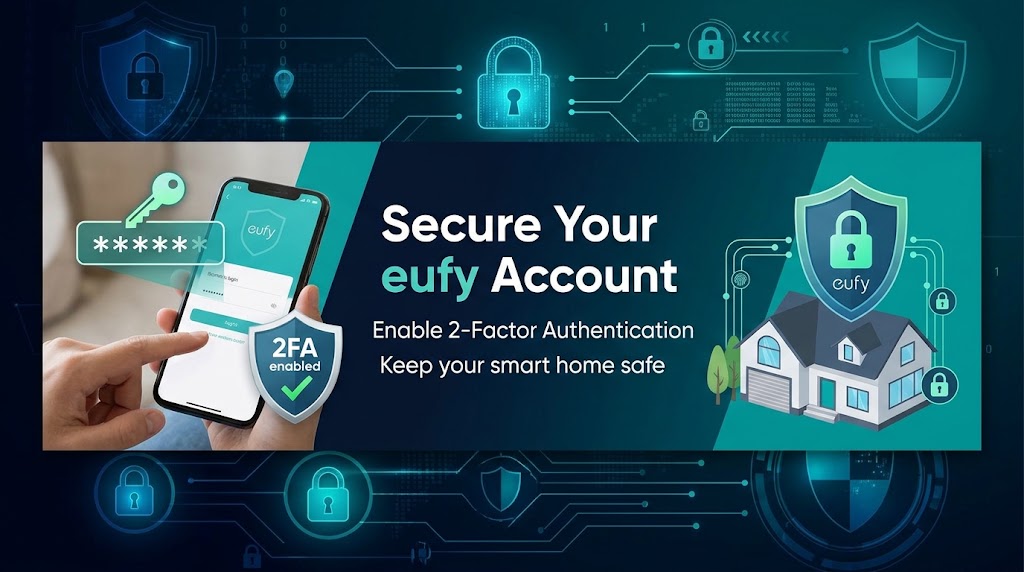
- Turn on two-factor authentication (2FA) for your Eufy account. This is the single most important step.
- Use a strong, unique password for your Eufy account — not one you've used anywhere else.
- Use a Wi-Fi password you don't reuse anywhere else, and consider changing it if it's a password you use for other things. Assume this one could be recovered.
- Put your cameras on a separate network if your router supports a "guest" network — keeps them walled off from your phones and computers.
- Don't share your Eufy login. One login is all it takes.
About the recordings
There's a separate issue with how recordings saved on the hub's own drive are scrambled — it's weaker than it should be, so treat that drive as if anyone who physically takes it could view the footage.
I reported this to Eufy. At first they said it was a known issue they would not fix. After I wrote about it publicly, they changed course and told me a fix is now officially planned — though they haven't given a date yet. I'll update this if and when that lands.
Bottom line
The cameras still work and you don't need to throw them in a drawer. Just treat your Eufy account as the thing that's really guarding your home, and lock it down accordingly: strong unique password, 2FA on, Wi-Fi password you don't reuse.
Leave a Comment